Best Website Builders in the USA in 2026
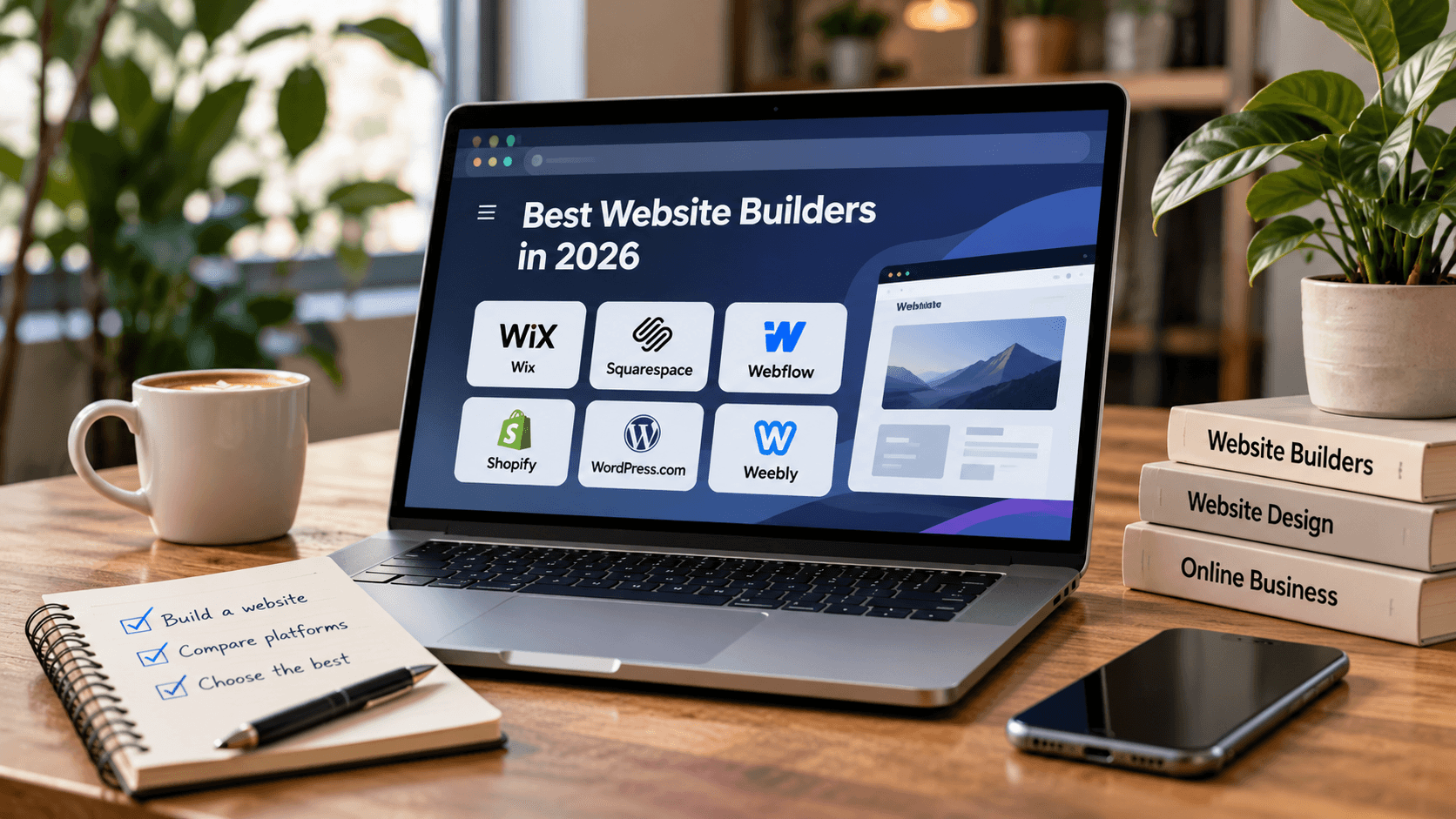
You need a professional website but do not want to hire a developer. Should you choose Wix, Squarespace or Shopify? The best website builders in the USA in 2026 offer different tools for small businesses, online stores and personal projects. Your choice depends on your budget, design preferences and website goals.
How Do Website Builders Work?
Website builders let you create websites without coding.
Most provide templates, visual editors and hosting. A drag-and-drop editor allows you to arrange text, images and buttons directly on your pages.
Many platforms also include mobile-friendly designs, SEO settings and custom domain support.
However, customization options and available features vary between builders.
Best Website Builders for Different Needs
1. Wix: Best for Small Businesses
Wix offers customizable templates, a visual editor and an App Market for additional functionality.
Its AI-assisted tools can help generate an initial website layout.
Wix suits service businesses, personal websites and smaller online stores, although advanced features may require paid plans.
Best for: Small businesses seeking flexibility without coding.
2. Squarespace: Best for Portfolios
Squarespace provides polished templates and structured design tools.
It works particularly well for photographers, designers and creative professionals.
The platform also supports blogging and ecommerce, but its editing approach can limit certain customizations.
Best for: Portfolios and visually focused websites.
3. Shopify: Best for Ecommerce
Shopify specializes in online stores, offering product management, checkout and inventory tools.
It suits businesses selling physical or digital products.
However, subscription fees, payment processing and additional applications can increase costs.
Best for: Businesses focused on online sales.
4. Webflow: Best for Advanced Design
Webflow offers detailed visual control over website layouts and responsive designs.
It also includes content management functionality.
However, its interface requires more technical understanding than beginner-focused builders.
Best for: Designers and agencies needing customization.
5. WordPress.com: Best for Blogging
WordPress.com combines managed hosting with blogging and content management tools.
It is suitable for publishers and businesses regularly producing articles.
Advanced customization and plugin availability depend on the subscription plan.
Best for: Blogs and content-heavy websites.
6. Weebly: Best for Simple Websites
Weebly provides a straightforward editor for creating basic websites.
It can suit small informational projects, although its customization options are more limited than those of advanced platforms.
Best for: Simple business and personal websites.
Free vs Paid Website Builders
Free plans can help you explore a platform before committing to a subscription.
However, they may restrict custom domains, storage, ecommerce features or branding options.
Paid plans generally offer greater flexibility and professional publishing tools.
Compare renewal prices, transaction fees and additional application costs before choosing.
AI Website Builders in 2026
AI-assisted website creation tools can generate layouts, suggest content and simplify initial setup.
Platforms such as Wix and Shopify offer AI functionality, although available tools differ.
AI-generated pages still require manual review, especially for business information, mobile layouts and SEO.
How to Choose the Right Website Builder
Start with your website's purpose.
A portfolio needs attractive layouts, while an online store requires reliable checkout and product management.
Consider these factors:
-
Ease of use and customization
-
Mobile responsiveness
-
SEO tools and website performance
-
Hosting and SSL security
-
Customer support
-
Subscription and upgrade costs
Also consider vendor lock-in. Moving to another platform may require rebuilding parts of your website.
Final Verdict: Which Builder Should You Choose?
The best website builders in the USA in 2026 depend on your specific needs.
Wix offers flexibility for small businesses, Squarespace suits portfolios and Shopify focuses on ecommerce.
Webflow provides advanced design control, while WordPress.com is useful for content-focused websites.
Choose a platform that meets your current requirements without creating unnecessary long-term costs.
FAQ
What is the easiest website builder for beginners?
Wix and Squarespace provide visual editing tools suitable for users without coding experience.
Which website builder is best for ecommerce?
Shopify specializes in online stores, while Wix and Squarespace also offer ecommerce functionality.
Can you create a website for free?
Yes. Some builders offer free plans, but professional features often require payment.
Are website builders good for SEO?
Many include SEO settings, although search visibility also depends on content quality and performance.
Can you switch website builders later?
Yes, but migration may require rebuilding layouts and transferring content manually.