Best Website Builder in 2026: The Complete Guide
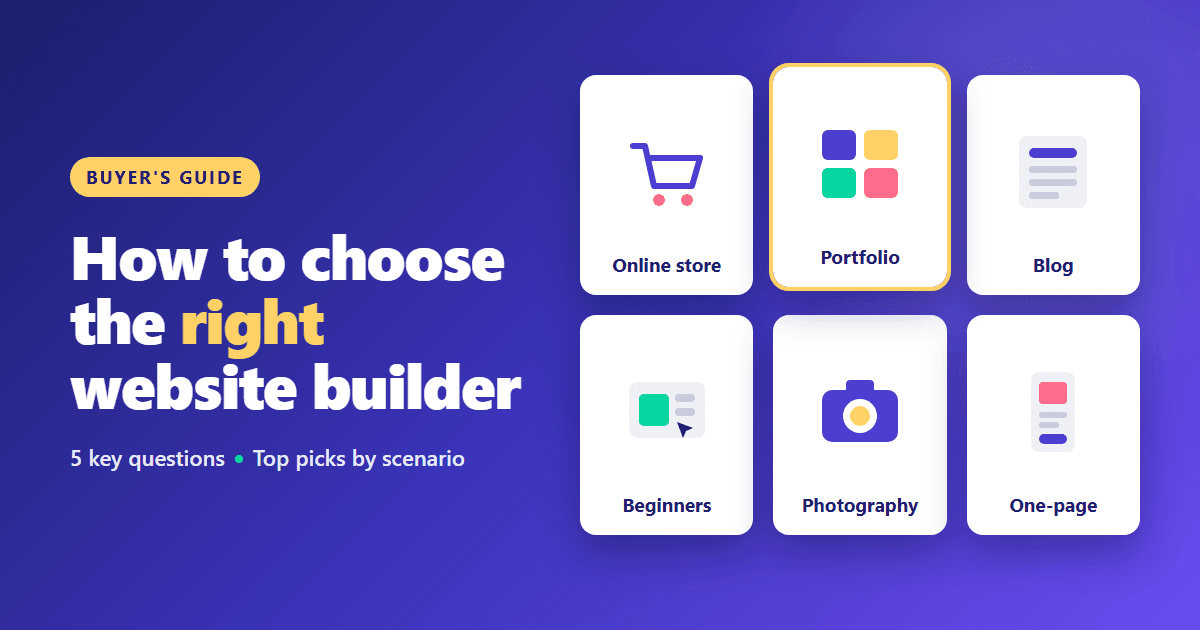
Picking the "best" website builder depends entirely on what you're building. Here's how we'd point a friend in the right direction — and the questions worth answering before you sign up anywhere.
Start from your use case, not the hype
An online store, a portfolio, and a blog all favor different builders. A platform that is excellent for selling hundreds of products can be expensive overkill for a photographer, and a beautiful portfolio builder may struggle with a growing catalog. Check our full rating to compare every builder we test side by side on templates, ease of use, and SEO, then narrow the list by your project type.
Five questions to answer before choosing
- What is the site's main job? Selling, showcasing work, publishing articles, or generating leads for a local business.
- Who will maintain it? A non-technical owner needs a forgiving editor; a designer may want full control.
- How much will it grow? A five-page site and a site with hundreds of articles or products need different foundations.
- What is the real budget? Include apps, transaction fees, premium themes, and renewal prices, not just the first month.
- Which integrations are non-negotiable? Booking systems, email marketing, payment providers, or accounting tools.
Write the answers down. Most "which builder?" dilemmas resolve once these five points are clear.
Our current top picks by scenario
- eCommerce: Shopify leads for real online stores; BigCommerce is a strong alternative with more native features and stronger built-in SEO.
- Portfolio: Squarespace for polish out of the box, Webflow for full custom control.
- Beginners: Wix balances ease of use with genuine feature depth.
- Content and blogging: WordPress.com offers the deepest publishing and SEO ecosystem.
- Photographers: Format and Pixpa add client galleries and print sales.
- One-page sites: Carrd is the fastest and cheapest way to publish a focused single page.
Common mistakes to avoid
Choosing by template screenshots. Demo sites use professional photography. Judge templates by structure — navigation, page types, section layouts — because your own images will replace the demo ones.
Ignoring the total cost. A low monthly plan can become expensive once you add apps, a booking tool, and email marketing. Compare the realistic monthly total for the features you actually need.
Underestimating migration. Moving a site between builders usually means rebuilding the design and re-entering content. Pick a platform that can handle where the project will be in two or three years, not only where it is today.
Skipping the mobile check. Most visitors arrive on phones. Preview every page on a real phone before publishing, especially on builders with free element placement.
A practical way to test before committing
Most builders offer a free plan or a trial. Use it to build one real page — your homepage or main product page — with your own text and images. Pay attention to how long simple tasks take, whether the editor feels predictable, and how the page looks on mobile. An hour of hands-on testing tells you more than any feature list.
Frequently asked questions
Which website builder is easiest? For most beginners, Wix and Squarespace are the easiest full-featured options, while guided builders such as GoDaddy and Site123 require the fewest decisions.
Which builder is best for SEO? WordPress.com and Webflow offer the deepest SEO control, and BigCommerce leads among store platforms. For small sites, the essentials on any major builder are enough.
Is a free plan enough to start? For testing and personal projects, yes. For a business, upgrade to remove branding and connect your own domain.
How we score
Every builder gets an overall score out of 10, built from templates & design, ease of use, and SEO tools, weighted against price and support. See our full Methodology for the exact criteria and how often we revisit scores.
Browse by scenario
Jump straight to a shortlist matched to your project on our Best Website Builder hub, or compare two finalists directly, for example in our Wix vs Squarespace comparison.